In my kitchen
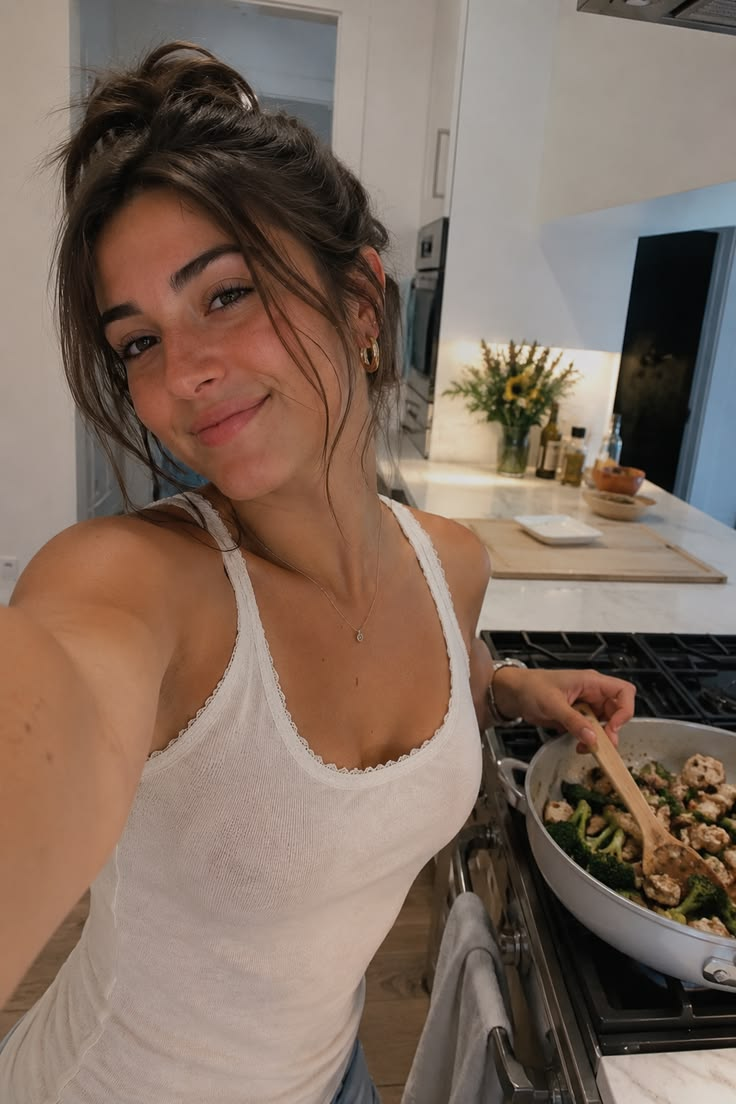
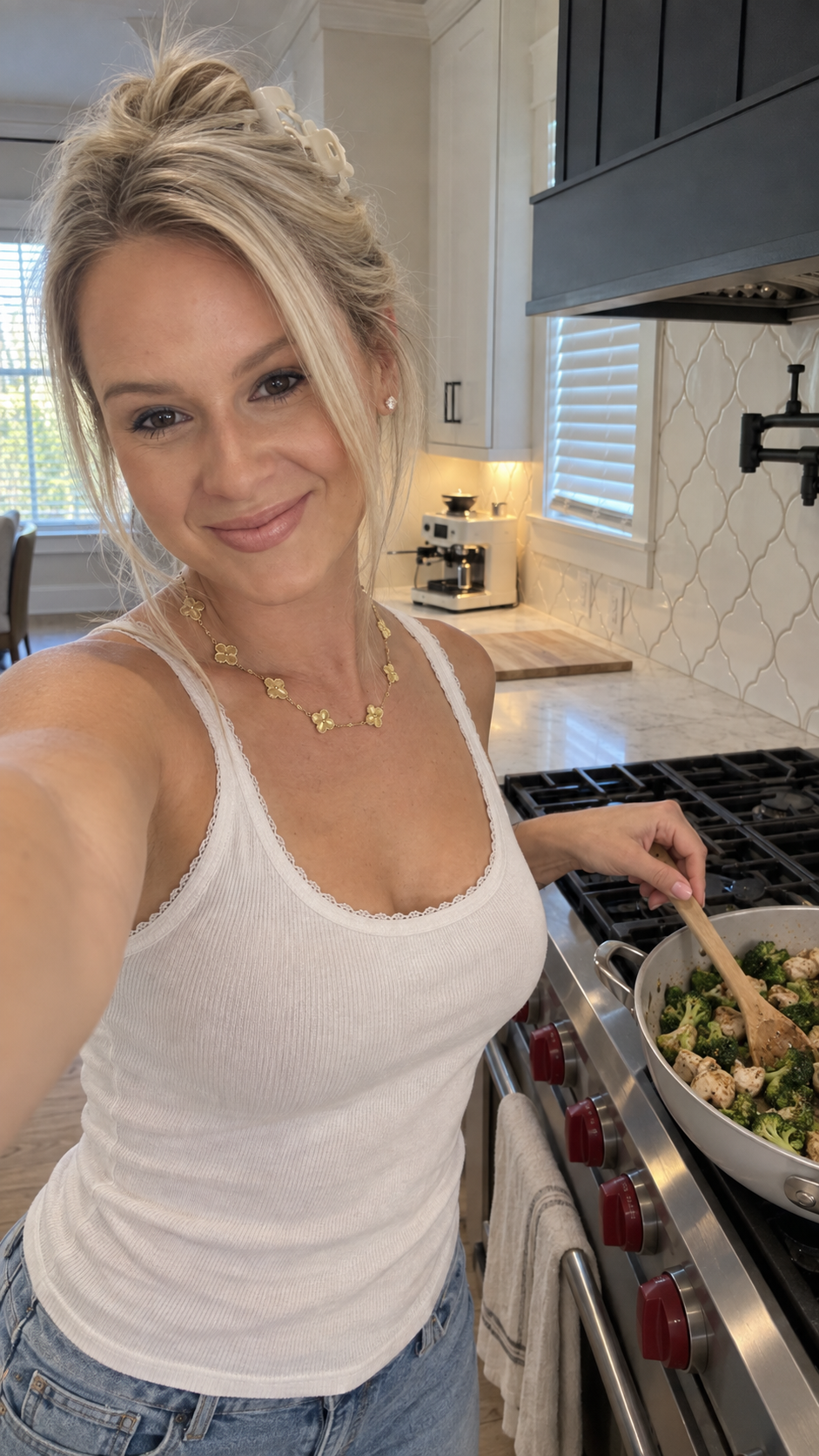
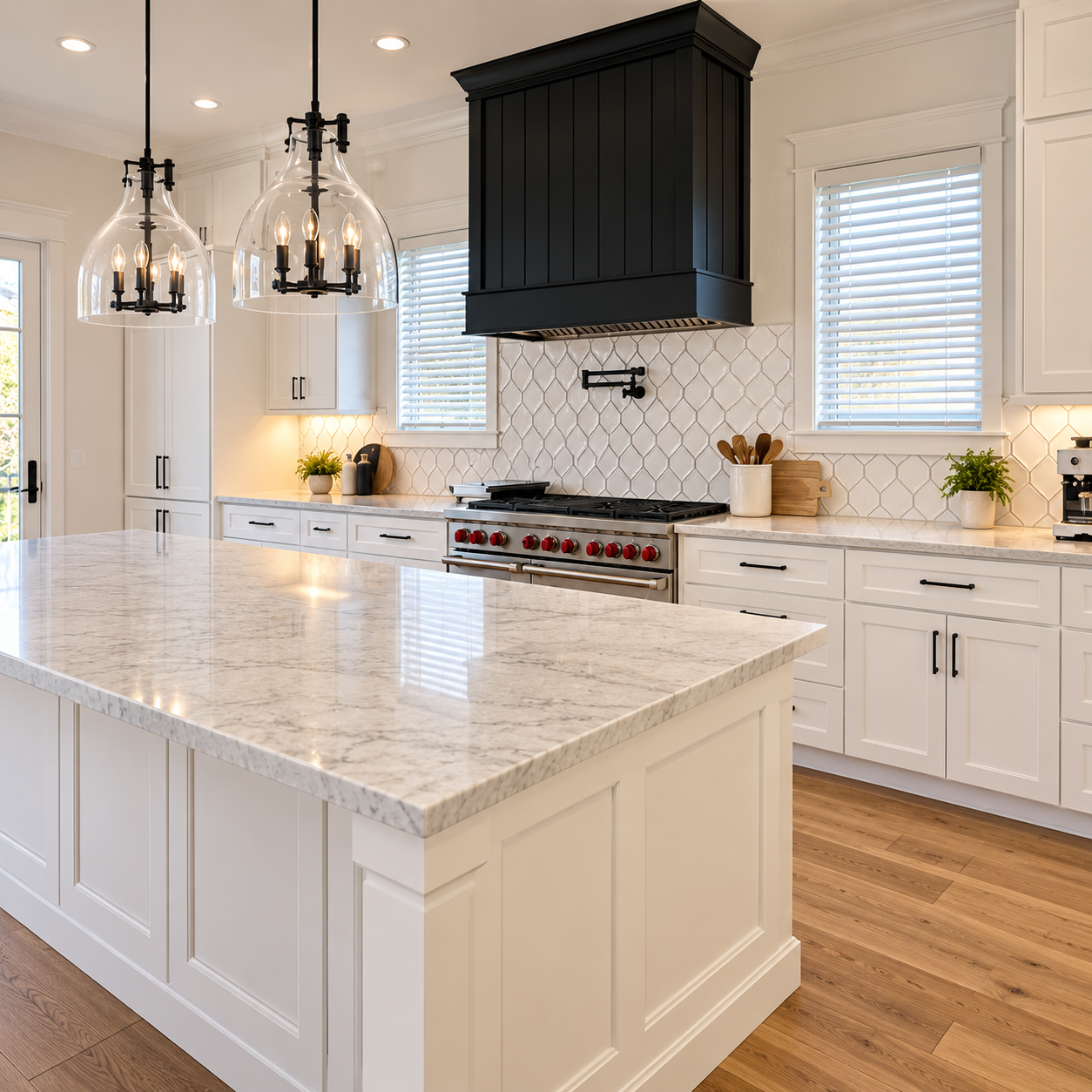
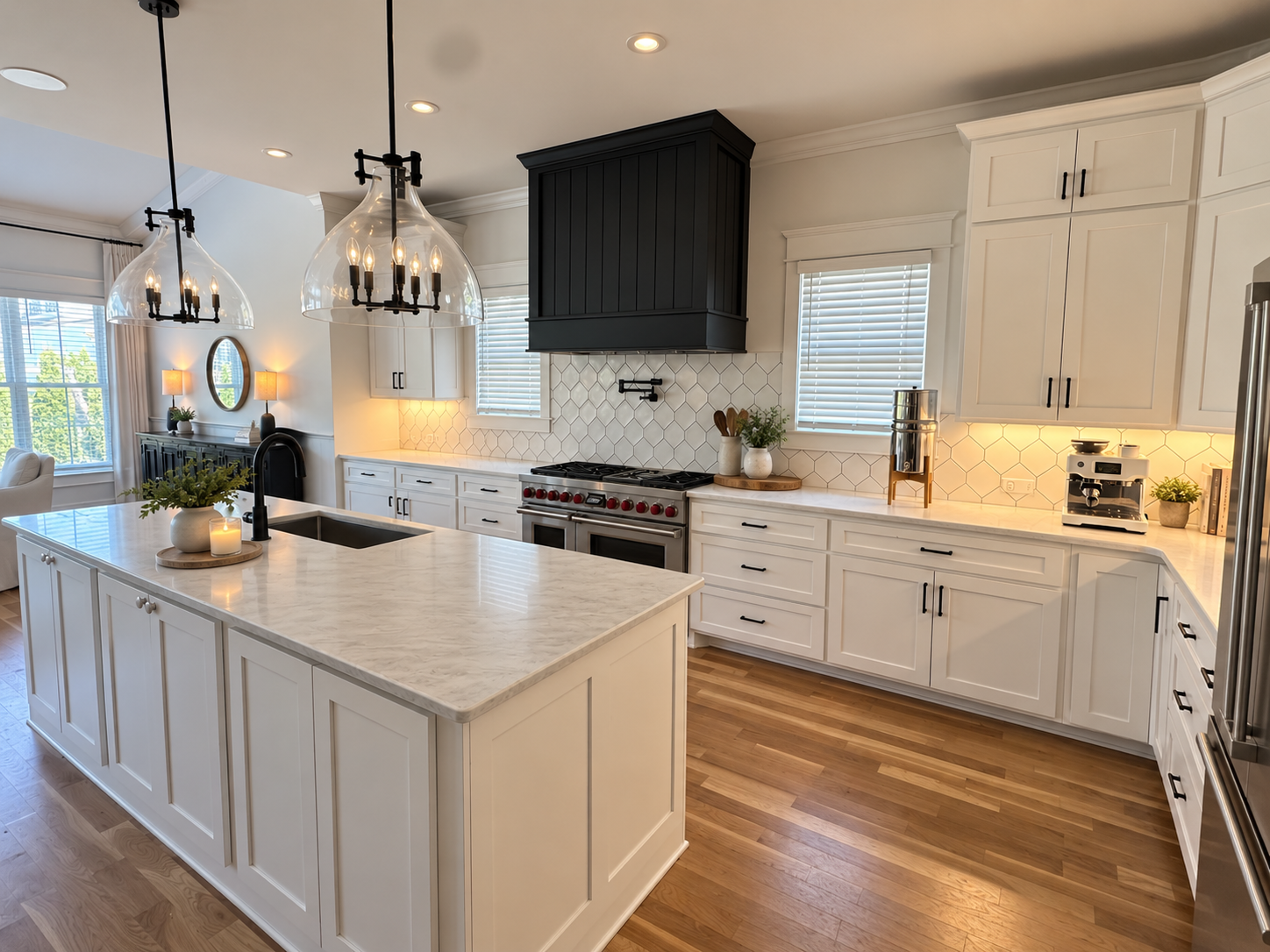
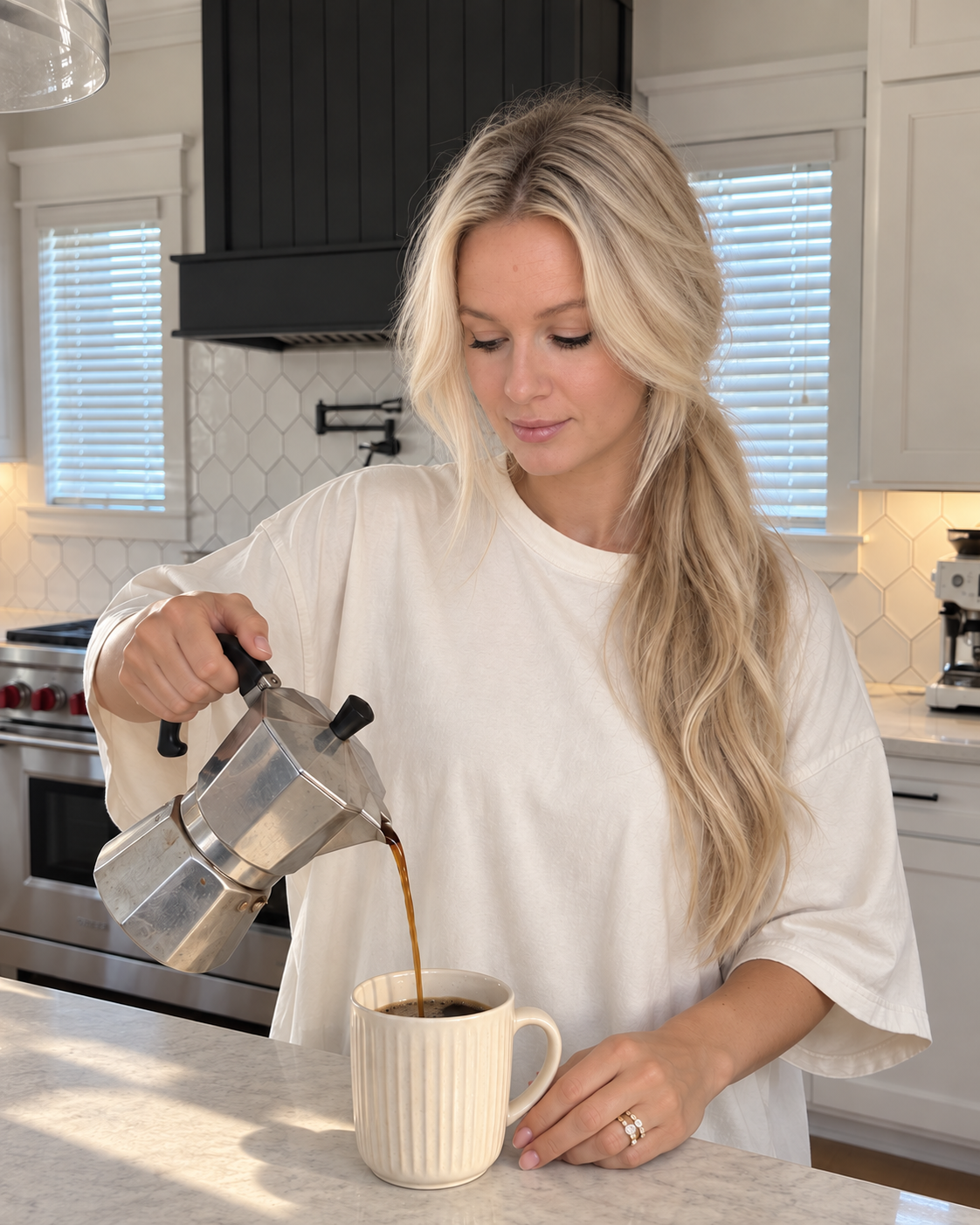
The cooking moment—with my face, my kitchen and my jewelry.
PRELAUNCH PRICE ENDS IN
00DAYS00HRS00MIN00SEC
Friday, October 9 · price goes to $177
YOUR PERSONALIZED AI CONTENT ENGINE
A ready-built AI content engine personalized with your face, your home, your wardrobe and your everyday details. Set it up once, drop in inspiration you love, and create your own image in one click—my realism prompting already built in.
Your actual kitchen. Your favorite outfit. Your phone case. Even your coffee order. As polished or perfectly imperfect as you want.
Use your images in carousels, Stories and ads—or follow the included lessons to turn them into lifelike B-roll.
One-click image creation after setup. Review and refine as needed. Animation uses a separate app; outside subscriptions and credits are additional.
See how it works



YOUR OUTPUT — STILL IMAGE TODAY, ANIMATED B-ROLL ON TAP
You finally get a quiet minute. But you’re not camera-ready, there’s stuff all over the counter, and the last thing you want to do is record 12 takes and spend the rest of your night editing. So you try AI. Now the skin looks plastic, the kitchen isn’t yours, and the image stays in your camera roll.
You don’t need another content task. You need a starting point you’re excited to use.
THE DIFFERENCE IS THE SYSTEM.
Yes—and The AI Content Engine works inside ChatGPT. You’re not paying for a different base model. You’re paying for realism prompting I’ve already built, a guided personal setup you reuse, and the education to turn images into content.
I was adding more and more reference photos, rewriting detailed prompts and waiting on generations—only to get overly smooth skin or a face that looked nothing like me. Then I’d start fixing it all over again. That was the time-consuming process I wanted to change.
THE PROCESS I WAS REPEATINGGathering and uploading the same personal photos for each new idea.
THE SYSTEM I BUILTSet up your face, style, spaces and everyday details once, then reuse that personal setup.
THE PROCESS I WAS REPEATINGRewriting prompts to fix plastic-looking skin, unfamiliar features and rooms that felt wrong.
THE SYSTEM I BUILTBuilt-in creative direction for lighting, camera feel, natural skin texture and believable personal details.
THE PROCESS I WAS REPEATINGWrite a detailed prompt, wait, inspect the result and work out what to change.
THE SYSTEM I BUILTAdd a Pinterest inspiration image and create your version in one click. Review it and ask for changes in plain language.
Almost two years of my prompting experience, already built in. Your personal setup, ready to reuse. You bring the next idea.
You get lifetime access to the engine, a personal setup you can update, and education on animation, editing, Instagram growth and using the content to support your offers.
HOW IT WORKS
Personalize once
Open your engine and follow the guided setup. Add your face, hair, wardrobe and everyday details—your jewelry, phone case, laptop, car and coffee order. The creative instructions are already built; you make the setup yours.
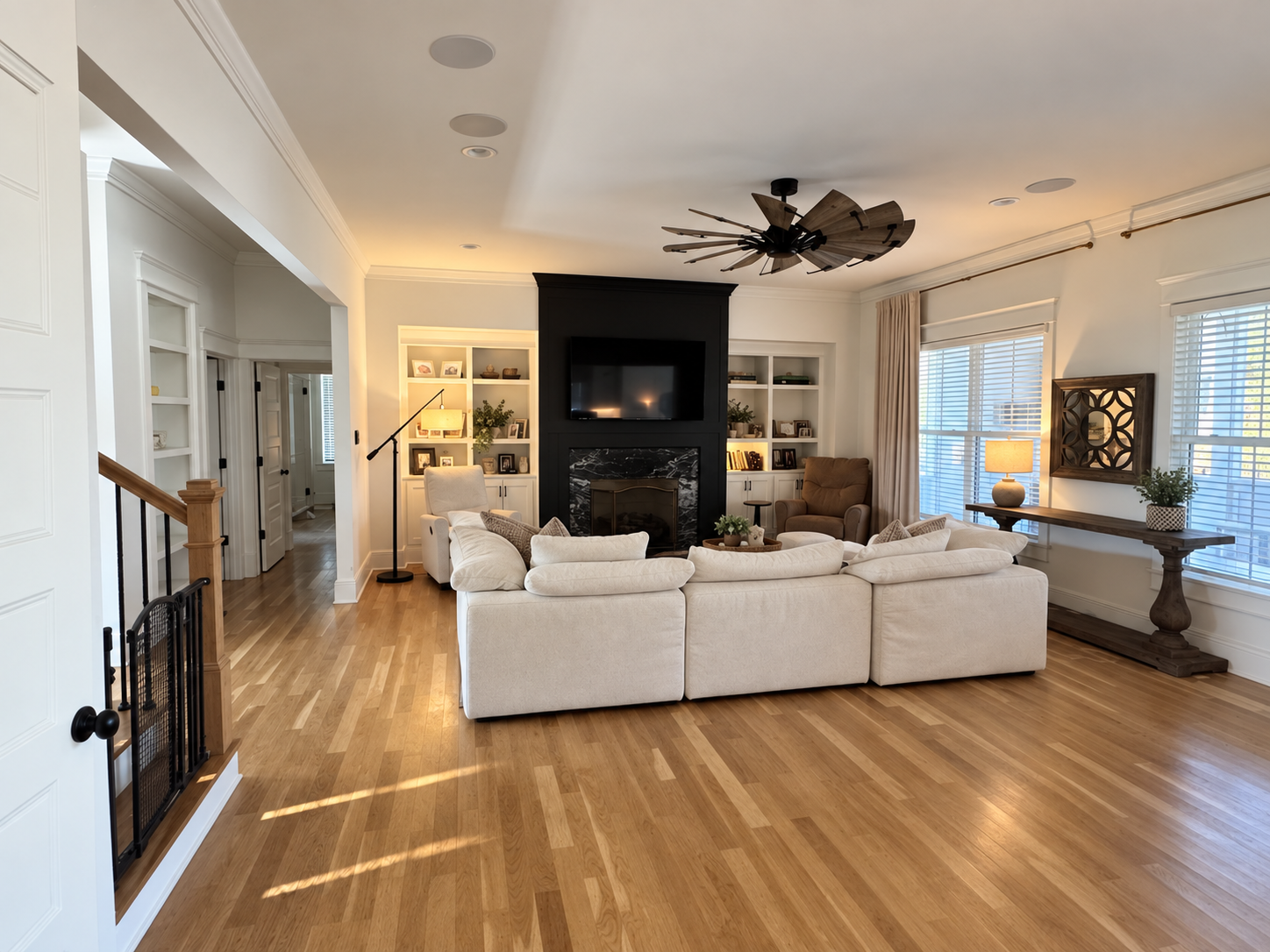
Add your real living room, kitchen or workspace—or a dream space you want to keep returning to. Reuse those references across new ideas.
Create whenever you need content
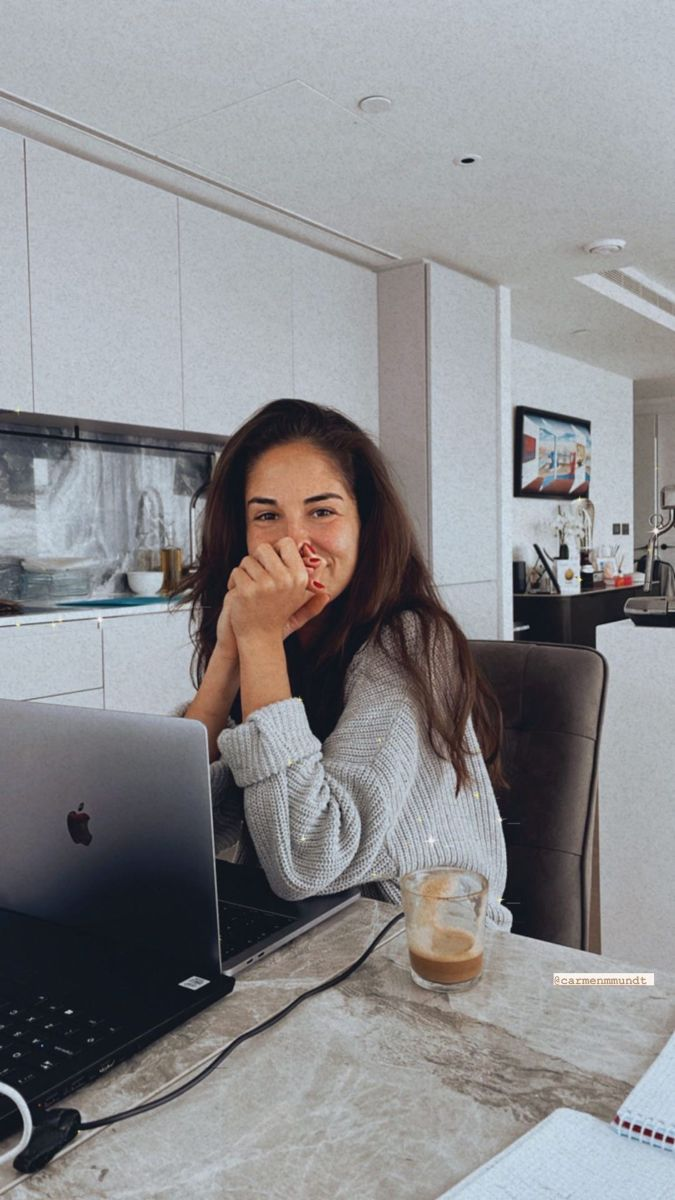
Drop in a Pinterest image for the pose, activity or mood. You don’t need to invent the idea or write a detailed prompt. Another reference or a described idea works too.
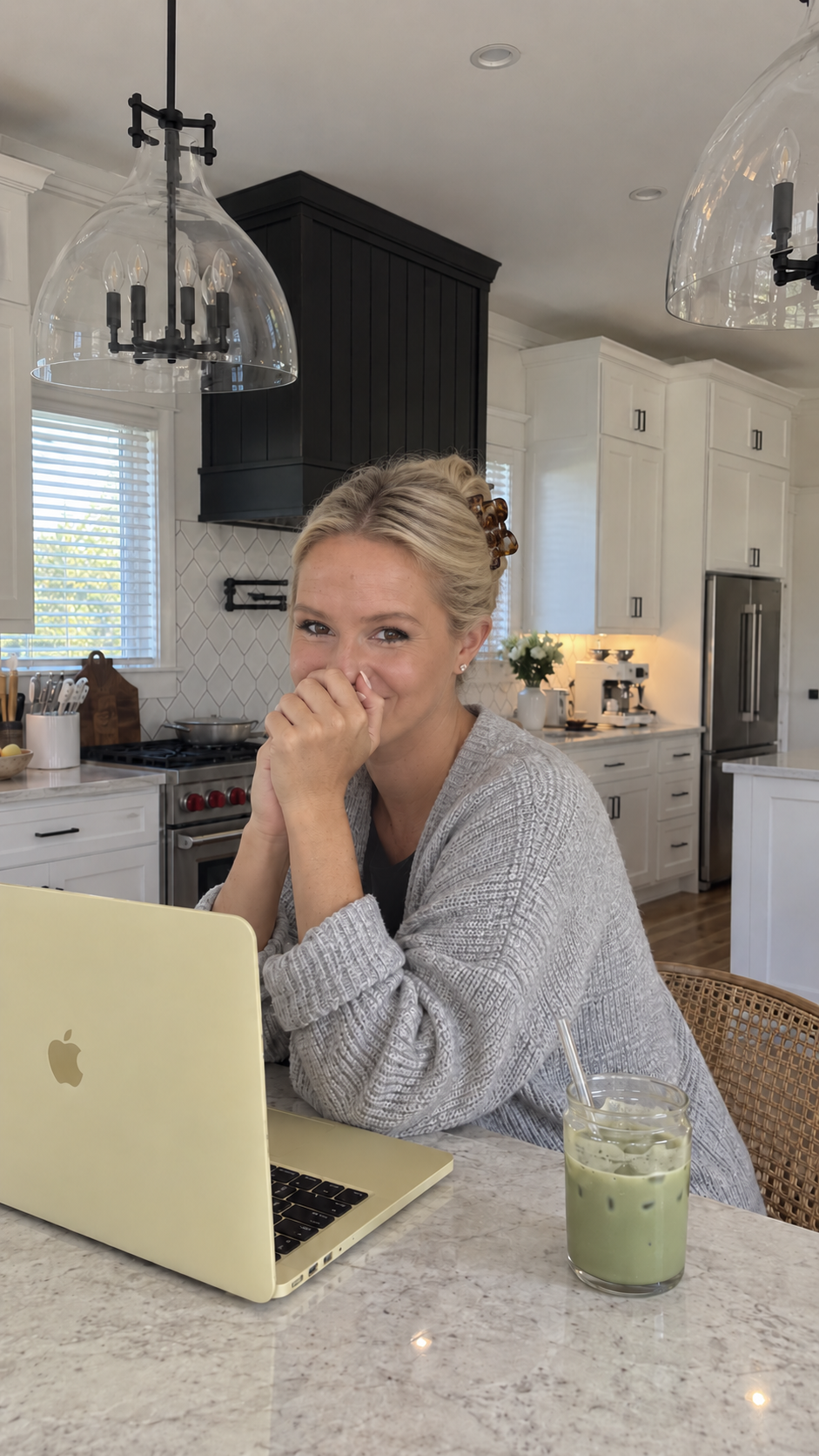
The AI Content Engine handles the image prompting around your personal setup. Start image creation in one click; review the result and ask for changes in plain language.
Post your image in a carousel, Story or ad—or use the included lessons to animate it into B-roll in a separate app. Add a hook, your message and a call to action connected to your offer. You can create without recording yourself talking.
One click starts image creation after setup. Generation times vary; you may need to refine a result. Animation uses a separate app; outside subscriptions or credits are not included.
GET THE AI CONTENT ENGINE — $97THE INSPIRATION. THE AI CONTENT ENGINE VERSION.
The goal isn’t a flawless stranger in a different kitchen every day. It’s recognizable details that help your AI visuals sit naturally alongside the content you already share.
The cooking moment—with my face, my kitchen and my jewelry.


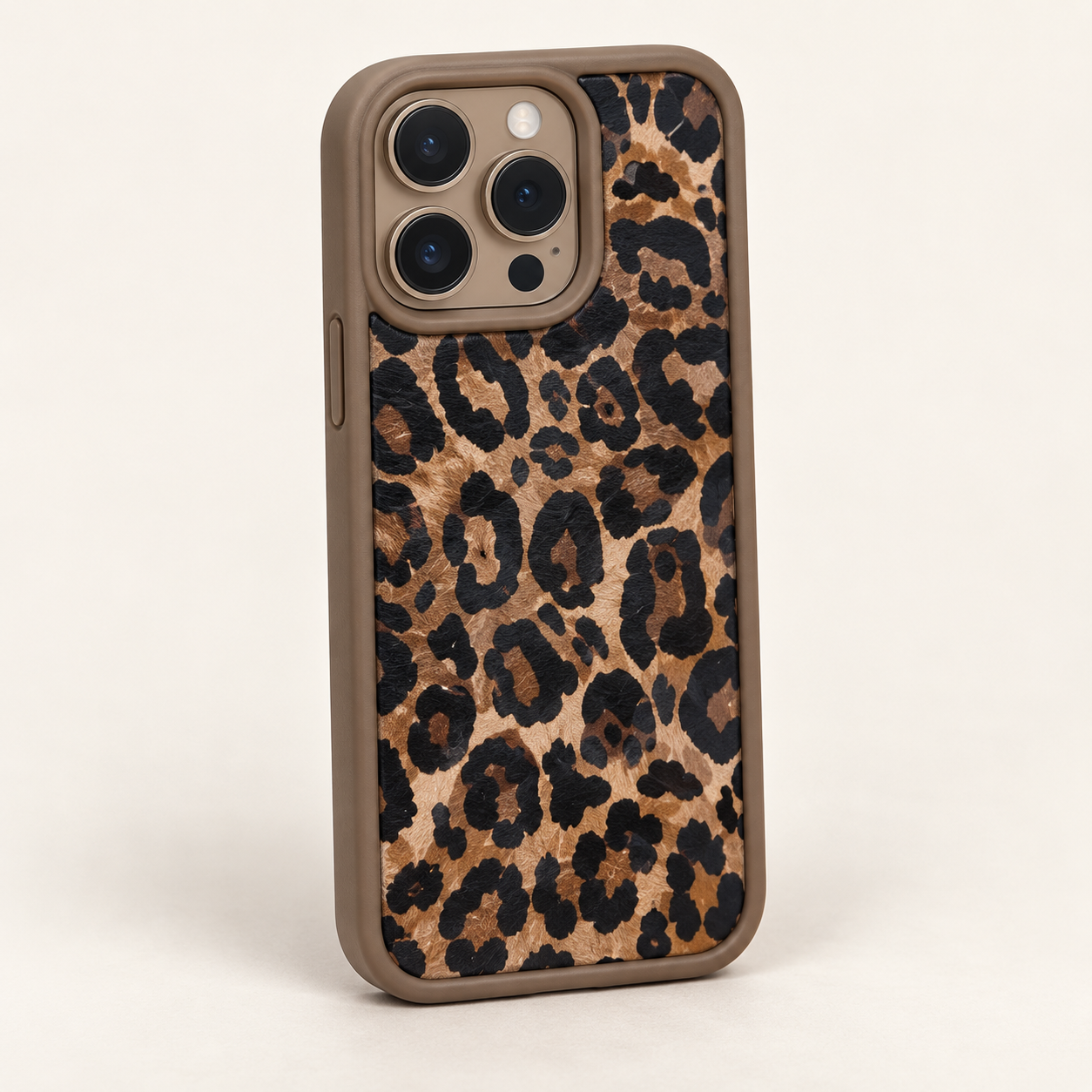
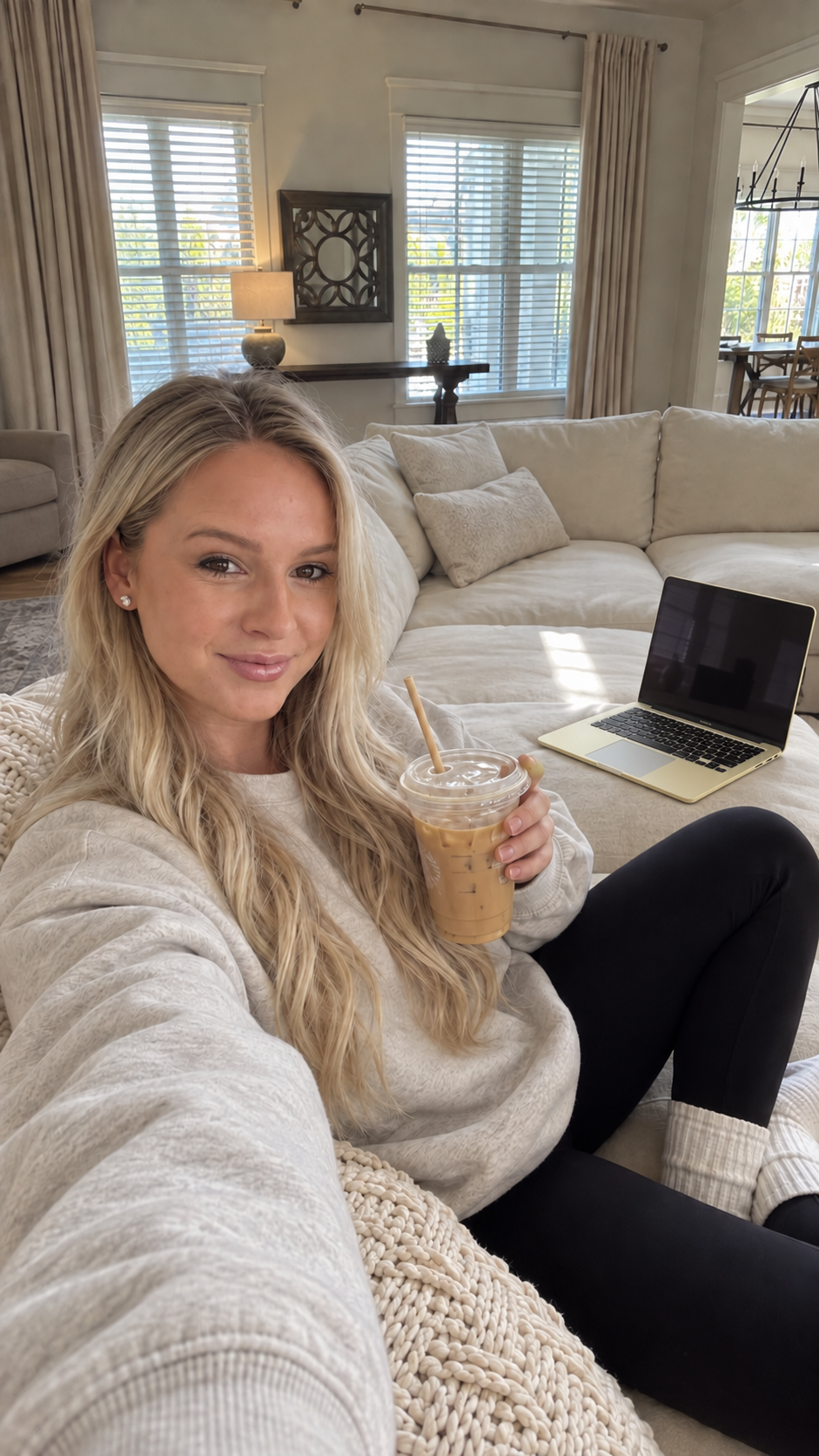
The pink set stays. My face, my living room and my phone case make it mine.
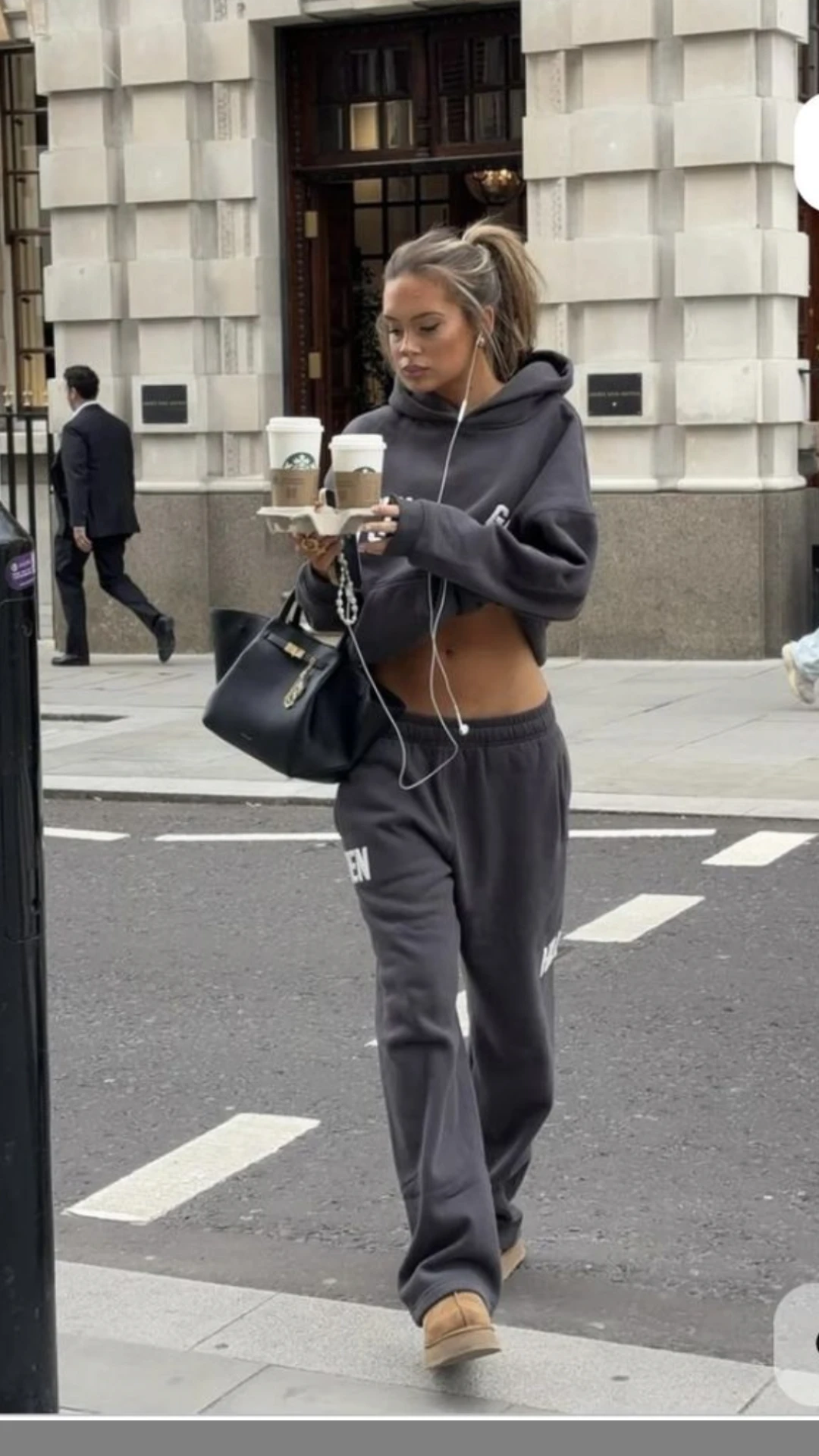
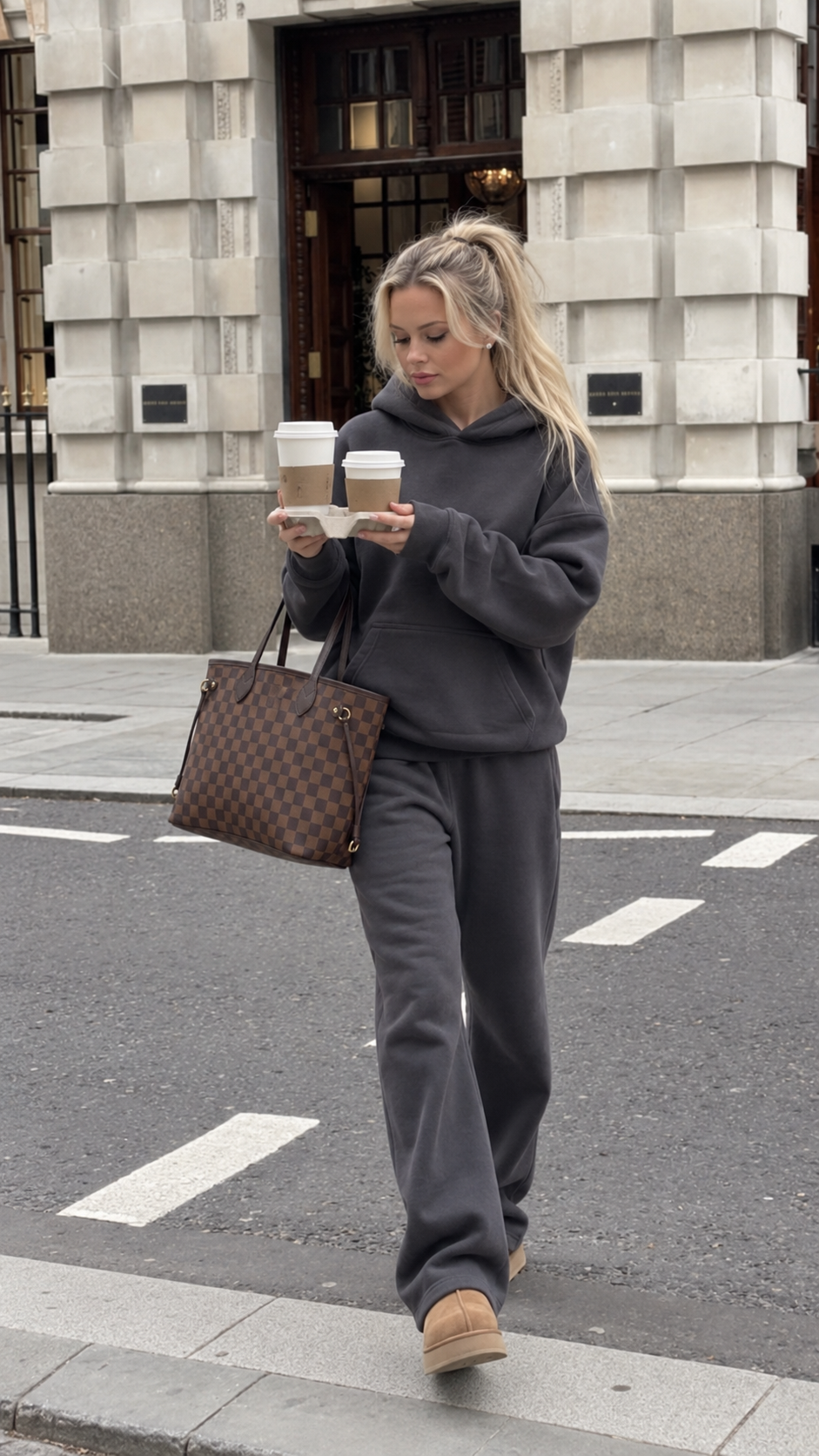
A coffee-run idea, personalized with my face, my hair and my everyday bag.
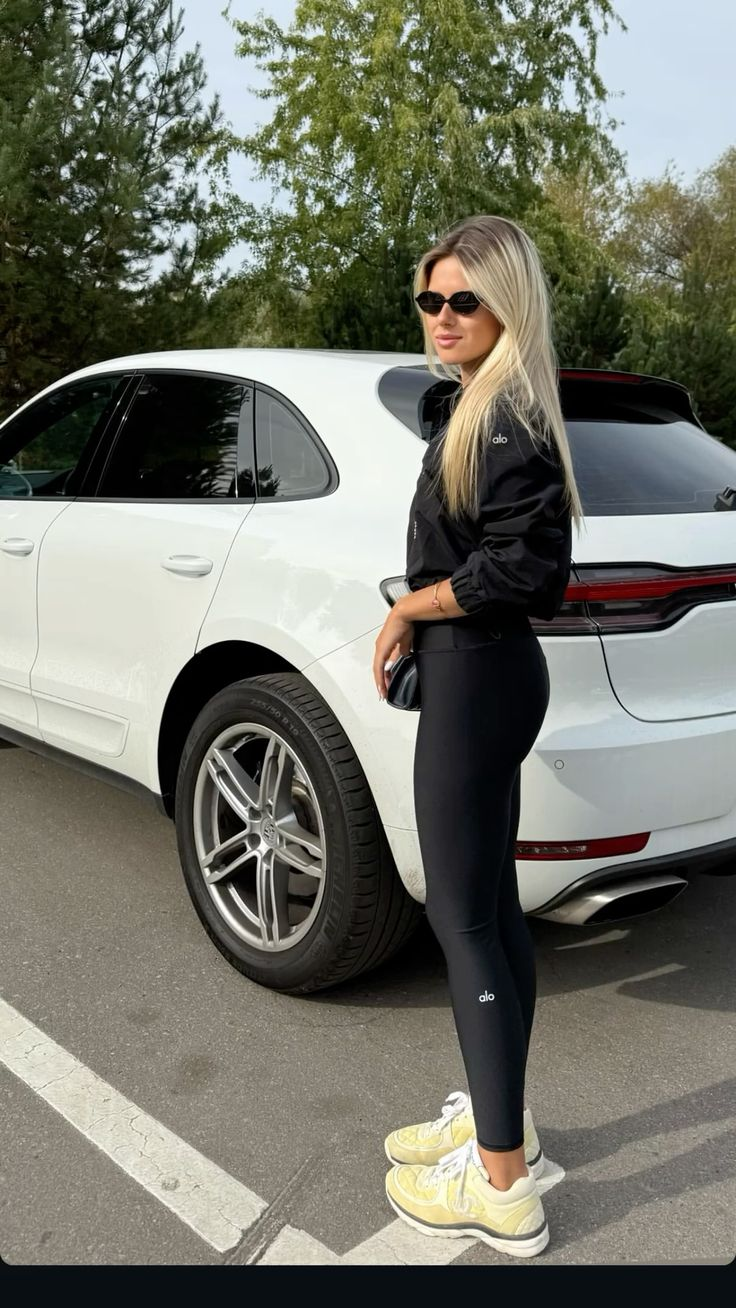

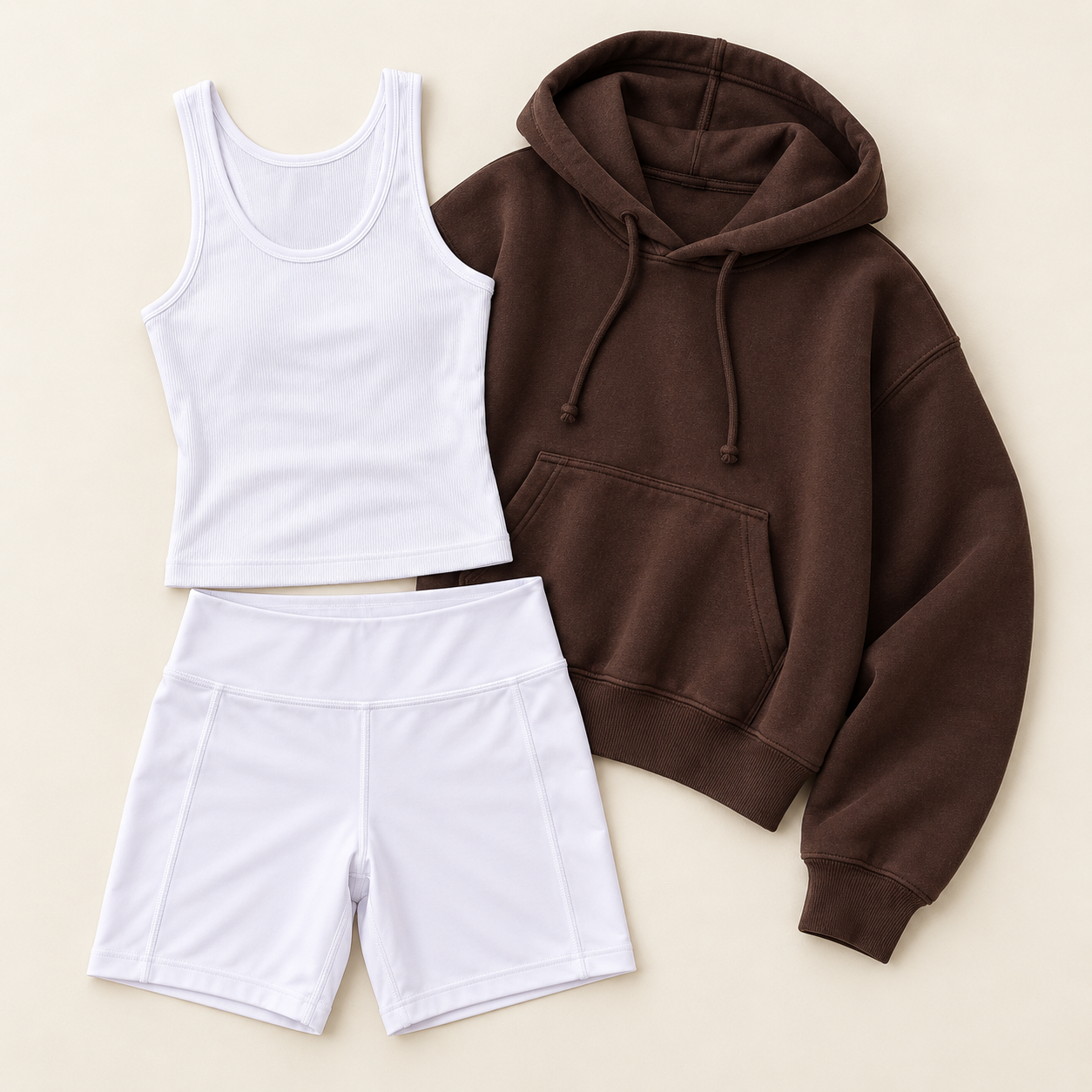
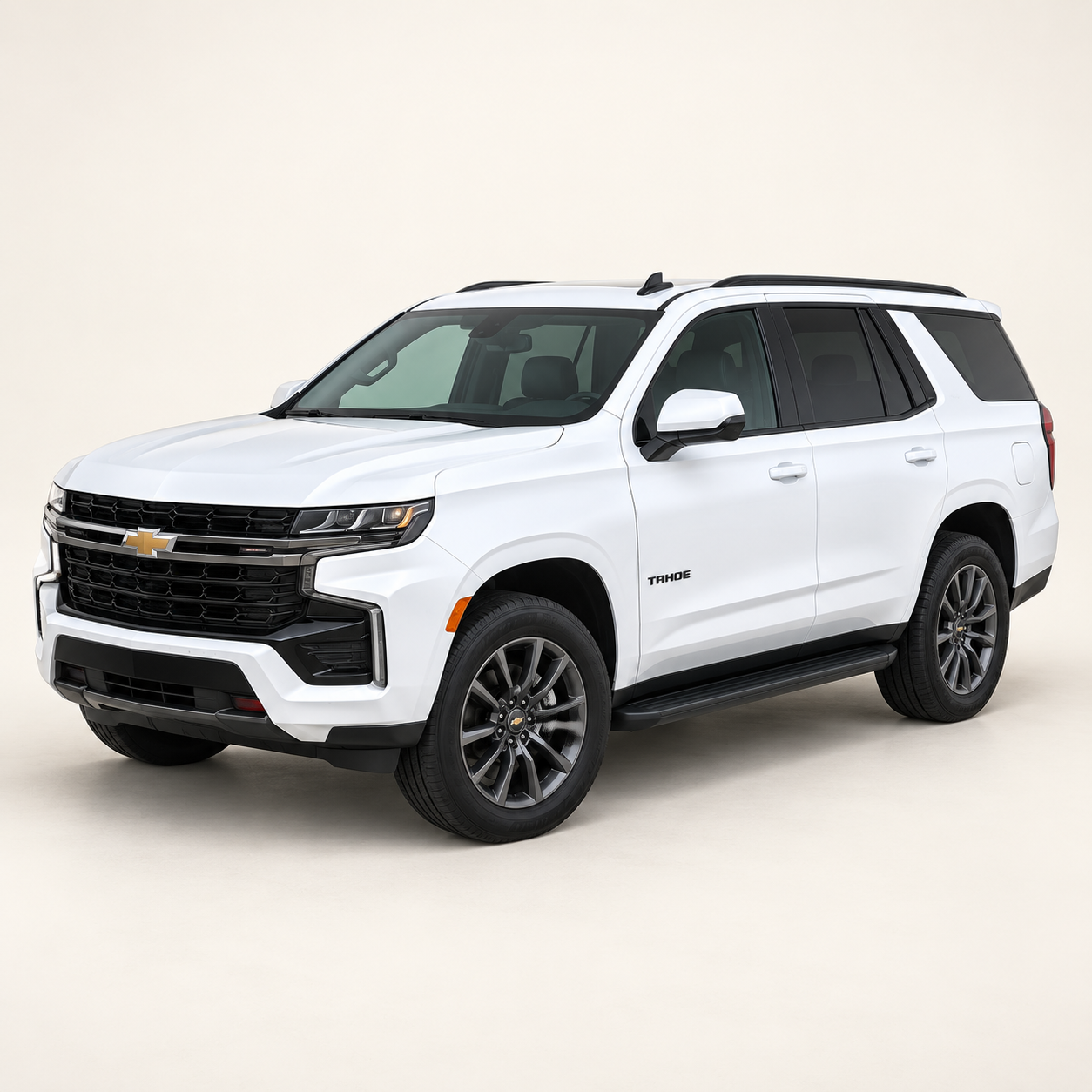
The activewear moment—with my Tahoe, my Gucci bag, my phone case, my laptop and my coffee.
Natural skin, everyday hair and lived-in spaces—or a little more styled. You decide the details.

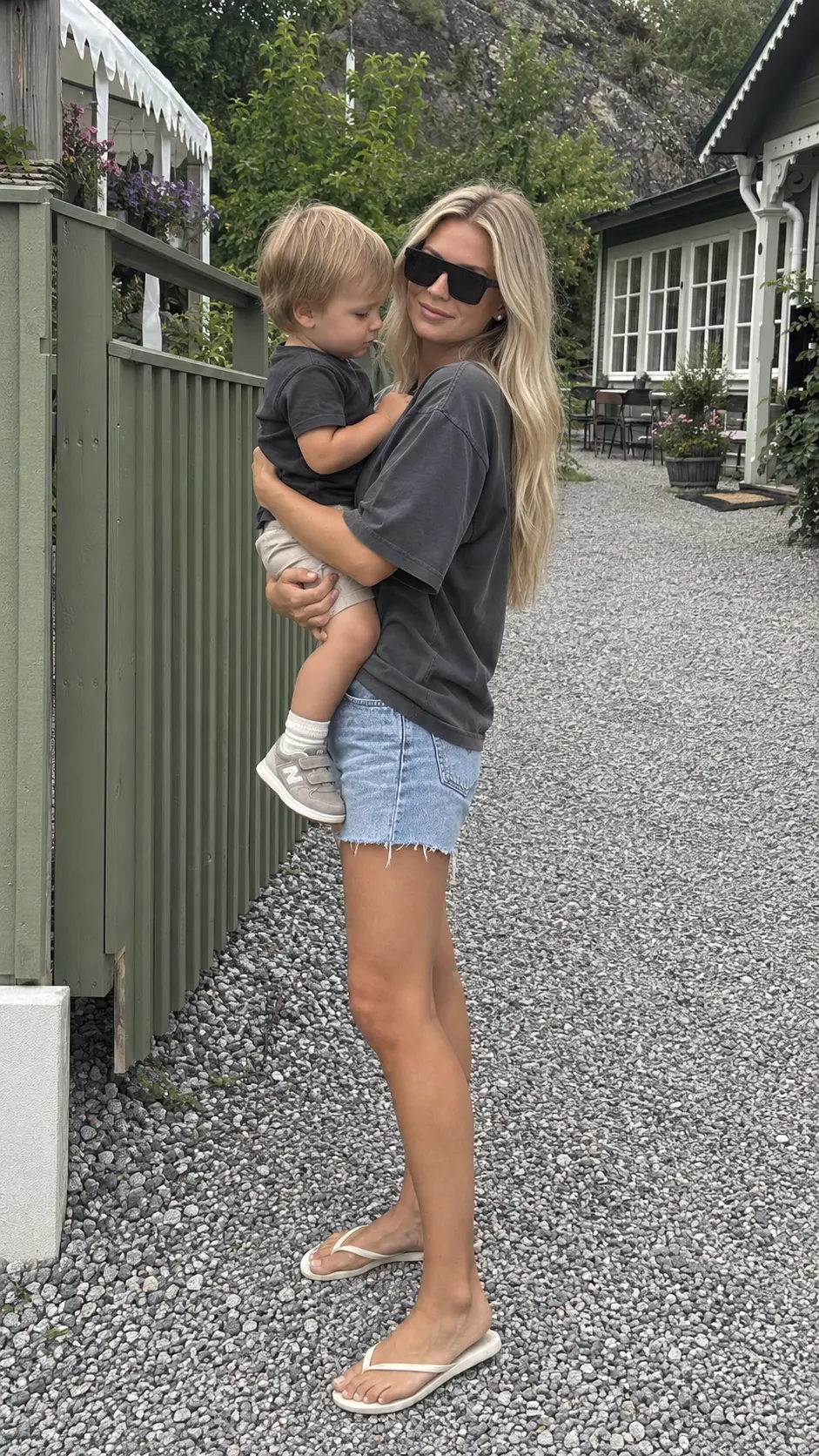
I didn’t build this because I wanted more AI content. I built it because I wanted something I could actually post. People are always asking how I get my AI images to look so real. So much of it comes down to the prompting—the lighting, the camera angle and feel, even the little expression lines on my face.
I’ve spent almost two years testing and refining those details. My personal prompting secrets are baked into The AI Content Engine: the creative instructions that guide the lighting, natural skin texture, believable spaces and everyday details. That work is already built in. You personalize the engine with your life.
I wanted content that looked like me, in the places I actually live, with the things I really use. And I wanted to create it without finding a quiet house, getting camera-ready, clearing a space and filming another take—especially with kids at home.
I’ve never gone viral. And yapping on camera has never been how I’ve built my business. While talking-head videos are everywhere, I think more people are overlooking lifelike AI as a practical way to show up consistently—with content that feels like them. The visual gets attention; the message, offer and call to action give it a job.
Along the way, I’ve invested thousands of dollars in AI and taught more than 15,000 people how to use it. I’ve used AI content as part of building my business to over $1 million in sales, including $600,000 in just a few months in 2025.
15,000+people taught AI
$1M+in business sales
$600Kin a few months in 2025
WHAT’S ALREADY DONE FOR YOU
The AI Content Engine brings the personal setup, creative instructions and practical lessons together—so you can start creating with a system that’s already built.
| WHAT YOU GET | AN IMAGE GENERATOR ON ITS OWN | THE AI CONTENT ENGINE + INCLUDED EDUCATION |
|---|---|---|
| AI image creation | Available: Available | Included: Through your compatible AI workspace |
| A guided, reusable setup for your face, spaces and style | Not supplied ready-made: Build your own workflow | Included: Guided setup included |
| Prebuilt realism instructions for lighting, camera feel and natural skin | Not supplied ready-made: Write and refine your prompts | Included: Katie’s instructions built in |
| A ready-built Pinterest-to-personal-image workflow | Not supplied ready-made: Develop your own process | Included: Add inspiration; one-click image creation after setup |
| Animation, talking-twin and podcast-style lessons | Not supplied ready-made: Source lessons separately | Included: Included education and bonuses |
| Editing, Instagram growth and content-to-offer guidance | Not supplied ready-made: Source lessons separately | Included: Included |
✓ Included or available as noted · × You build or source it yourself.
Get lifetime access to The AI Content Engine, make the personal setup yours, and learn how to turn your images into B-roll, carousels and content that supports your offers.
My go-to tools for AI images, video, voice and editing—and what I use each one for.
Learn how to turn your AI twin into talking content with your own voice using a separate video tool.
Lessons for creating podcast-style videos with your AI twin, so you can add another format to your content mix.
Bonus guides and lessons included with The AI Content Engine—not built-in generation features.
$97 until October 9, 2026 — then it launches at $177.
GET THE AI CONTENT ENGINE — $97Requires a compatible AI workspace with image generation; B-roll uses separate video and editing apps. Setup guidance is included. Plans, subscriptions and credits are paid separately.
Choose your payment option below.
Loading secure checkout…
Lifetime access to The AI Content Engine, a ready-built personalized AI content engine you use in a compatible AI workspace. You add your face, style, spaces and everyday details; the creative instructions are already built. Included education covers personalization, carousels, animation, editing, Instagram growth and connecting content to your offers. Three bonus lessons are included too: my favorite AI tools and software, making your twin talk with your own voice using a separate video tool, and podcast-style content. One-time $97 payment at prelaunch pricing—$97 is available until October 9, 2026, when it launches at $177.
No. The AI Content Engine is a reusable engine you personalize once and keep creating with. The education helps you animate, edit and post what you make. It saves you from building, testing and refining your own creative instructions and reference workflow from scratch.
When you see a Pin you love, take a screenshot and upload it to your AI content engine chat. The AI Content Engine uses it as inspiration for the pose, activity or feeling. Pinterest is optional: any inspiration photo works, or you can simply describe an idea. There’s no account or board connection.
Both. Add photos of your actual living room, kitchen or workspace, or choose a dream home or office reference. You can reuse those settings across new ideas.
Yes. The AI Content Engine works inside ChatGPT. You could build and refine your own instructions and personal-reference workflow. The AI Content Engine gives you the system I’ve already developed: a reusable setup for your face, spaces and style, plus creative instructions for realistic image creation. After setup, add your inspiration and create your version in one click. You can still review and refine the result in plain language.
After setup, one click starts your image. It doesn’t mean a finished video. Generation times vary, and you’ll review your image and ask for changes when something isn’t right.
No. The AI Content Engine creates the still image in your AI workspace. You animate it in a separate image-to-video app and edit it in your editing app, using the included guidance.
No—not to create these images and B-roll. Filming stays optional, and the animation and editing steps are taught.
Tell The AI Content Engine in plain language what to fix, or regenerate. The education covers what to check in faces, hands, objects and backgrounds before you animate or post. You always make the final call.
Lifetime access to The AI Content Engine itself. AI workspace plans and any outside video or editing app subscriptions or credits are separate and set by those companies.
A reusable setup. Your everyday details. A simpler place to start the next time you need to post.
GET THE AI CONTENT ENGINE — $97